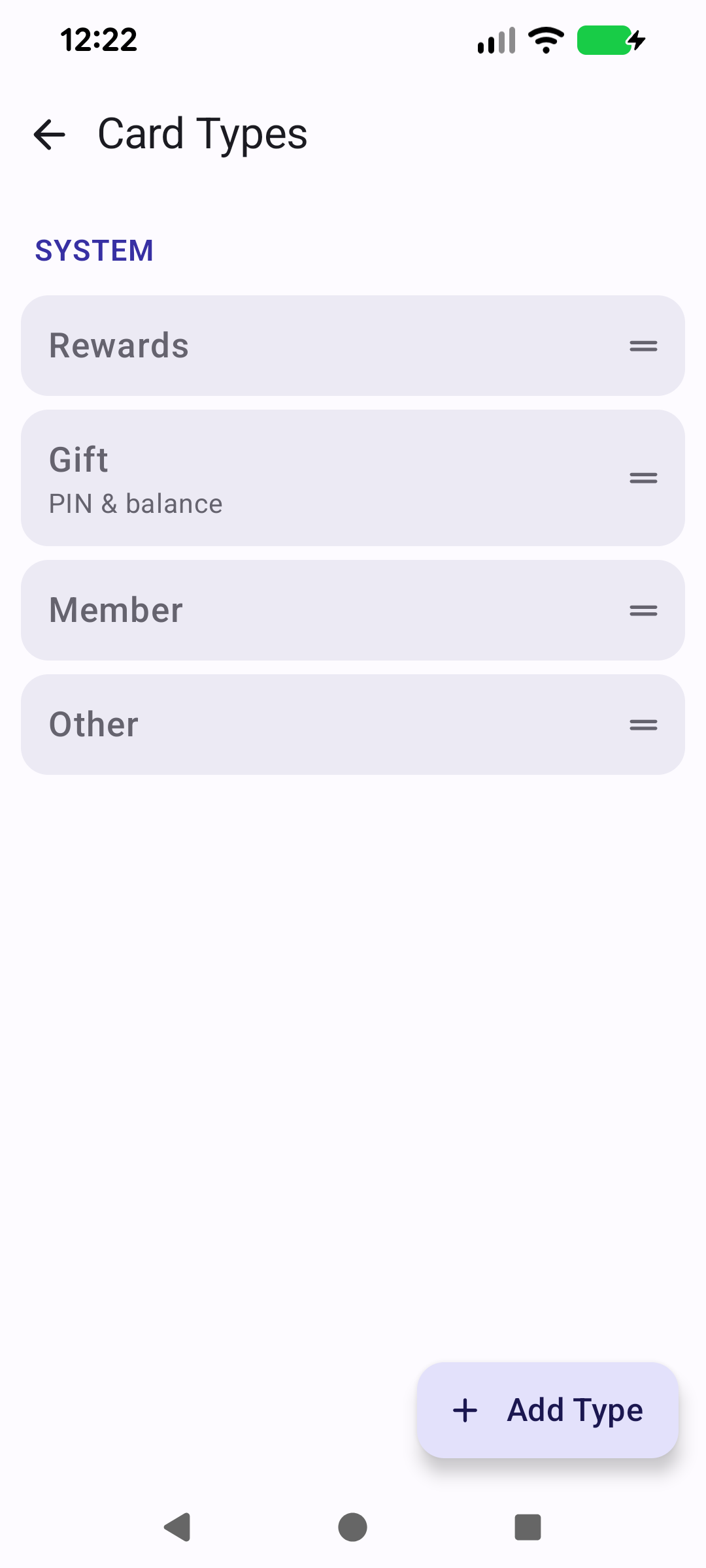
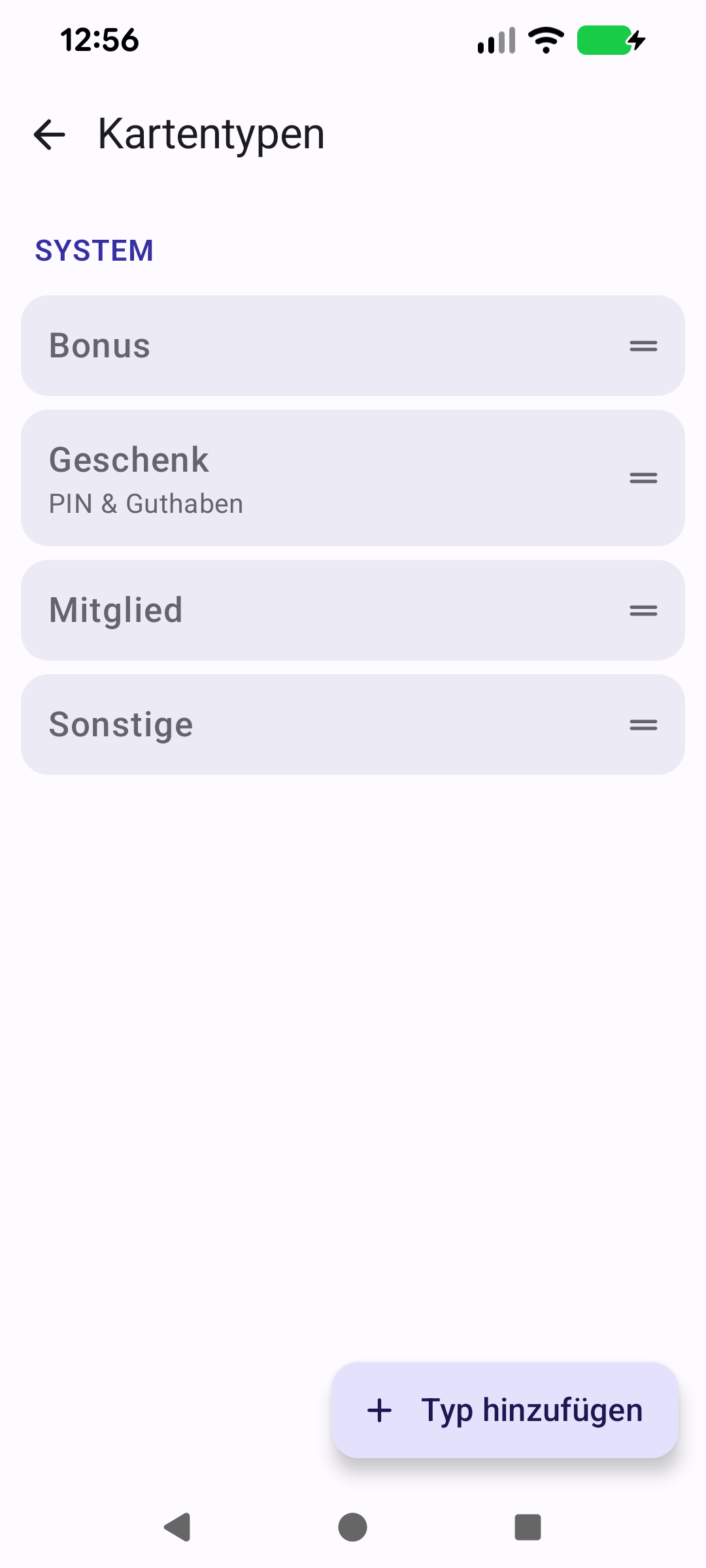
Rewards, Gift, Member and Other come built in. Rename them, reorder them, or add your own.Bonus, Geschenk, Mitglied und Sonstige sind eingebaut. Umbenennen, umsortieren oder eigene hinzufügen.
Quick start
Every card has a type, and the wallet groups by it. Rewards, Gift, Member and Other are built in — Gift is the one that carries a PIN and a balance. Add type makes your own: Library, Transport, Gym.
The built-in four, in the order the wallet uses. Drag the handle to change it.
Below: order, renaming, and deleting a type.
Going deeper
Order
The order here is the order of the wallet's sections. Drag a handle to change it — or drag a section header in the wallet's eye mode, which does the same thing.
Renaming
Your own types can be renamed by tapping them. The built-in four keep their names, which are translated for every language Cardly ships in.
Deleting
Deleting one of your types moves its cards to Other; the cards themselves are untouched.
You will find this screen under Settings → Customise → Card types.
Schnellstart
Jede Karte hat einen Typ, und das Wallet gruppiert danach. Bonus, Geschenk, Mitglied und Sonstige sind eingebaut — Geschenk ist der Typ mit PIN und Guthaben. Typ hinzufügen erstellt eigene: Bibliothek, Verkehr, Fitnessstudio.
Die eingebauten vier, in der Reihenfolge des Wallets. Am Griff ziehen, um sie zu ändern.
Weiter unten: Reihenfolge, Umbenennen und Löschen eines Typs.
Mehr dazu
Reihenfolge
Die Reihenfolge hier ist die der Wallet-Abschnitte. Ziehe am Griff, um sie zu ändern — oder ziehe eine Abschnittsüberschrift im Augen-Modus des Wallets, das bewirkt dasselbe.
Umbenennen
Eigene Typen benennst du durch Antippen um. Die eingebauten vier behalten ihre Namen, die in jede Sprache übersetzt sind, in der Cardly erscheint.
Löschen
Löschst du einen eigenen Typ, wandern seine Karten nach Sonstige; die Karten selbst bleiben unberührt.
Du findest diesen Bildschirm unter Einstellungen → Anpassen → Kartentypen.