One payment, kept for good. What it unlocks, and how to get it back on a new phone.Eine Zahlung, für immer. Was es freischaltet, und wie du es auf ein neues Telefon zurückholst.
Quick start
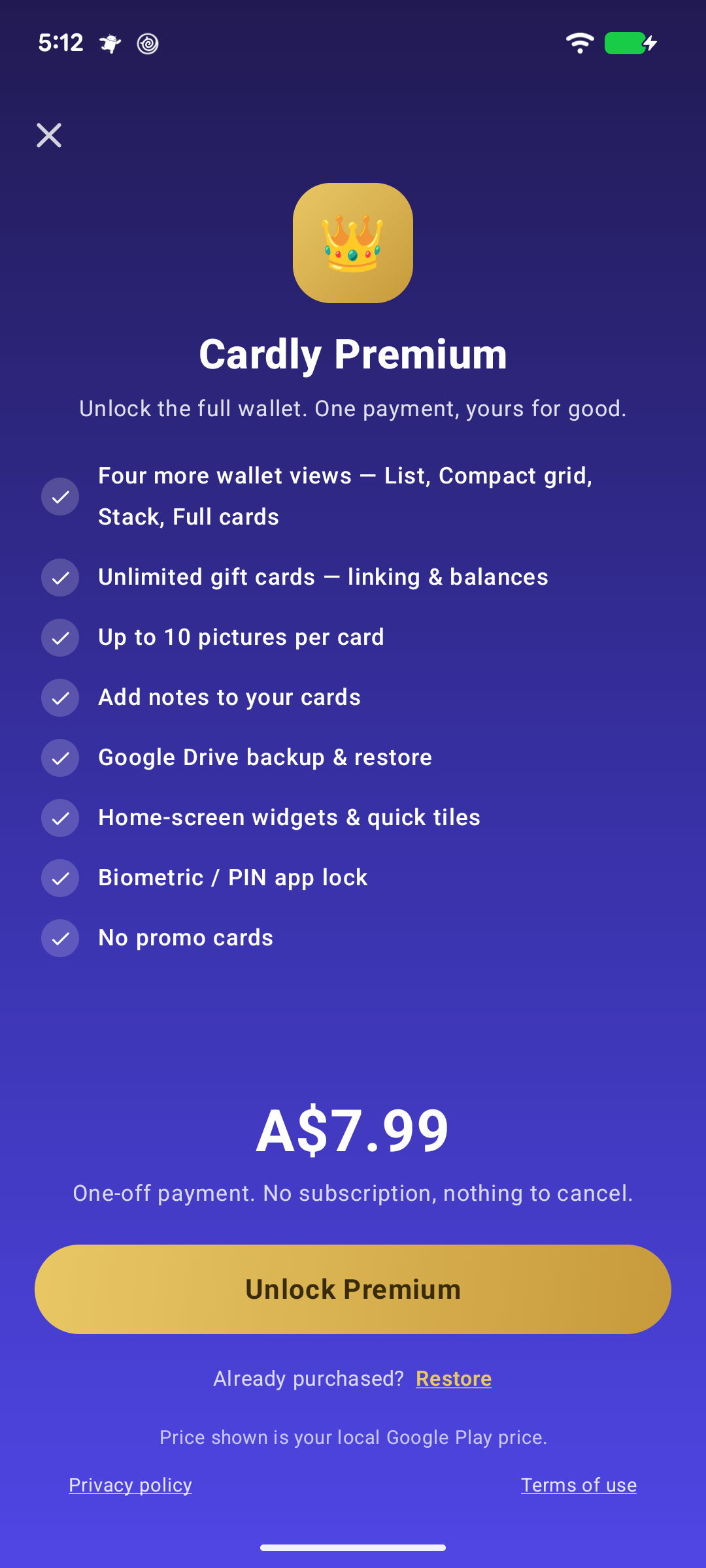
Cardly is free to use, with no limit on cards. Premium is a single one-off payment — the price on the screen is your local Google Play price — and unlocks:
Four more wallet views — List, Compact grid, Stack, Full cards
Home-screen widgets and Quick Settings tiles
Unlimited gift cards, with linking and balances
Up to ten pictures a card
Notes on your cards
Google Drive backup and restore
Biometric lock
Search and reorder in Settings
No promo cards in the wallet
One payment. No subscription, nothing to cancel.
Below: a new phone, and getting the purchase back.
Going deeper
A new phone
Premium belongs to your Google account, not the phone. On a new one, open Settings → Premium and tap Restore; Google Play confirms the purchase and everything unlocks.
Trying the views first
The four Premium views can be tried on your own cards before buying — the wallet shows them with an Unlock bar across the top.
Schnellstart
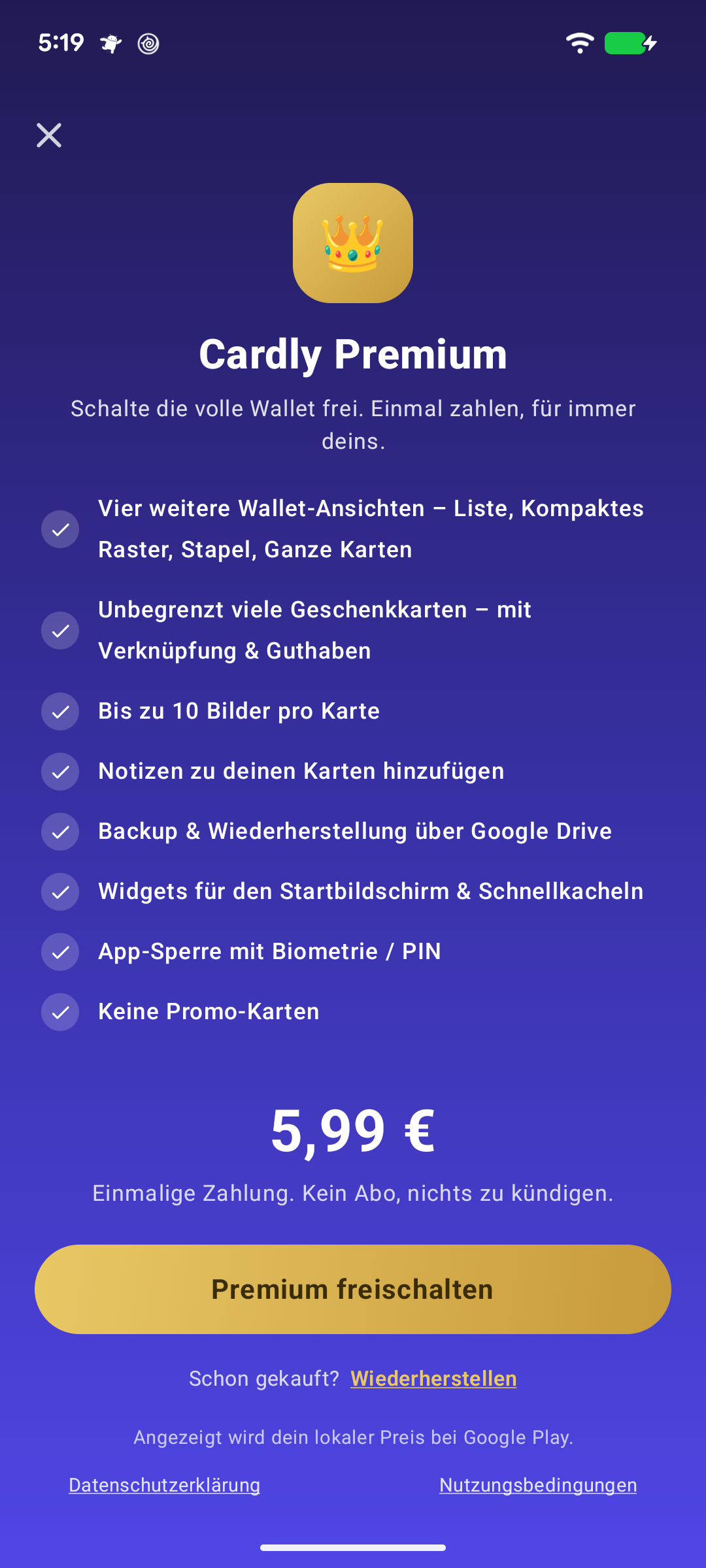
Cardly ist kostenlos nutzbar, ohne Grenze bei den Karten. Premium ist eine einzige Zahlung — der Preis auf dem Bildschirm ist dein lokaler Google-Play-Preis — und schaltet frei:
Vier weitere Wallet-Ansichten — Liste, Kompaktes Raster, Stapel, Ganze Karten
Startbildschirm-Widgets und Schnelleinstellungen-Kacheln
Unbegrenzt Geschenkkarten, mit Verknüpfungen und Guthaben
Bis zu zehn Bilder pro Karte
Notizen zu deinen Karten
Google-Drive-Backup und Wiederherstellung
Biometrische Sperre
Suchen und Sortieren in den Einstellungen
Keine Werbekarten im Wallet
Eine Zahlung. Kein Abo, nichts zu kündigen.
Weiter unten: ein neues Telefon, und den Kauf zurückholen.
Mehr dazu
Ein neues Telefon
Premium gehört zu deinem Google-Konto, nicht zum Telefon. Öffne auf dem neuen Einstellungen → Premium und tippe auf Wiederherstellen; Google Play bestätigt den Kauf, und alles wird freigeschaltet.
Die Ansichten vorher ausprobieren
Die vier Premium-Ansichten lassen sich vor dem Kauf mit deinen eigenen Karten ausprobieren — das Wallet zeigt sie mit einer Leiste Freischalten oben.