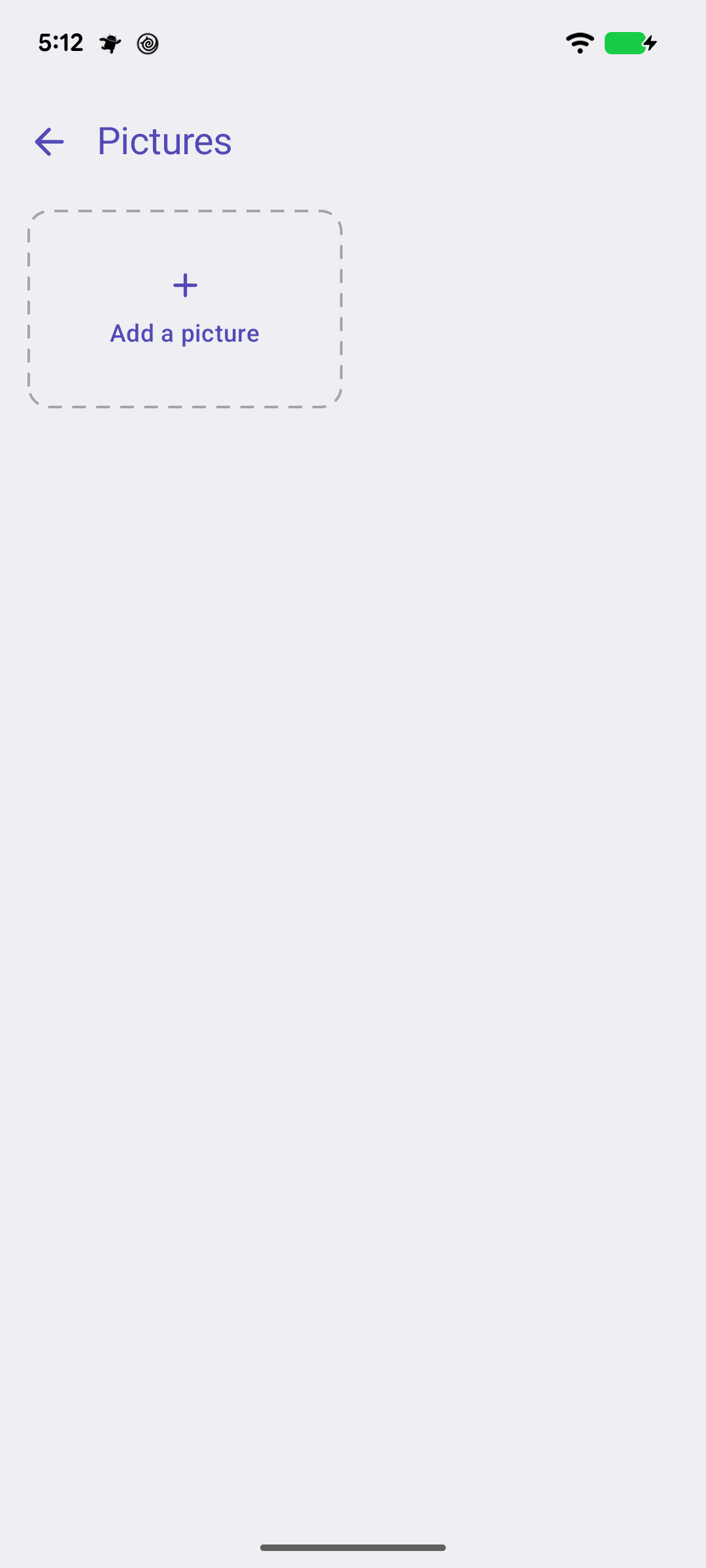
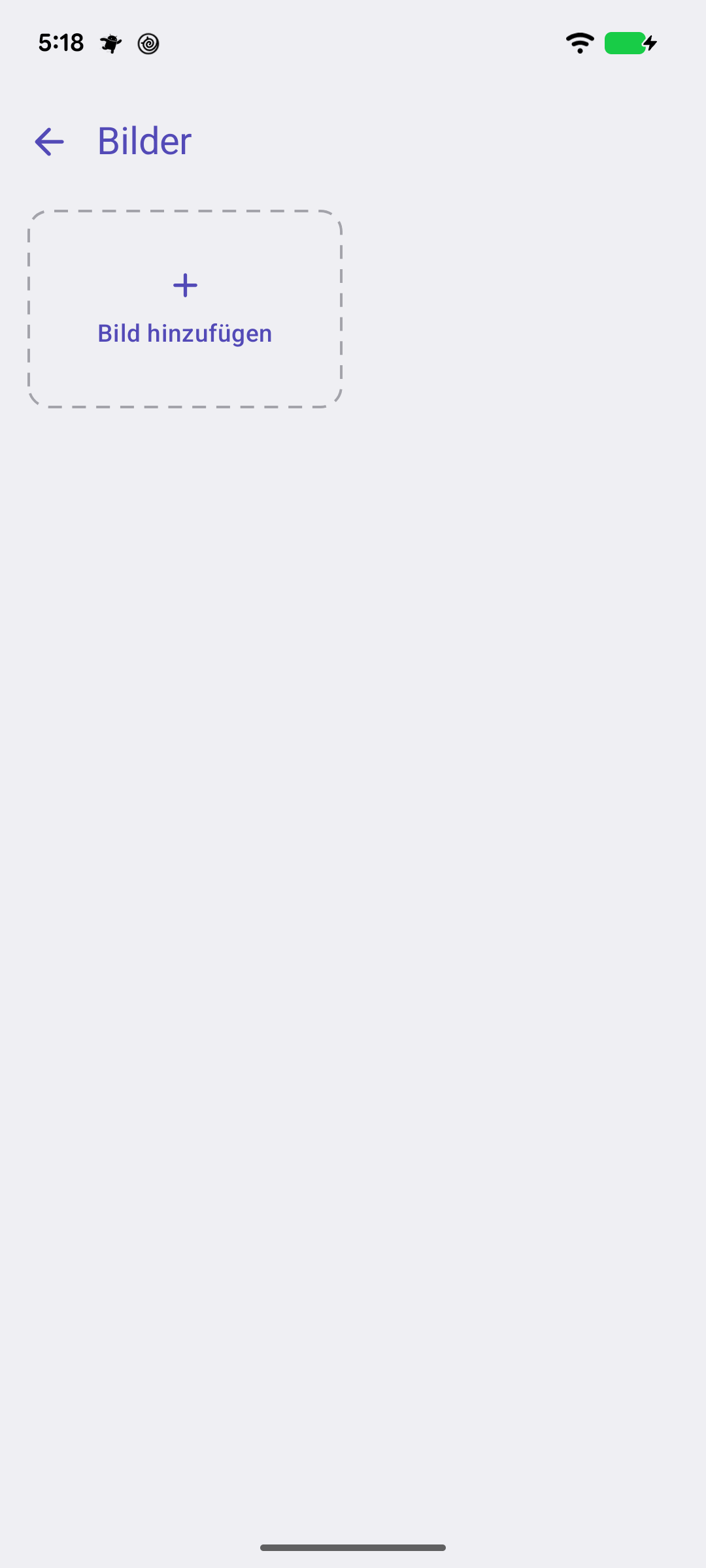
The front and back of the card, and with Premium up to ten pictures — shown whole, never cropped.Vorder- und Rückseite der Karte, und mit Premium bis zu zehn Bilder — ganz gezeigt, nie beschnitten.
Quick start
Pictures on the card screen holds the card's photos. Add a picture offers Scan a card — the camera finds the card's edges and straightens it — or Choose from pictures for something already on your phone. The first two are the front and the back; they show on the card screen's pager and, if you like, on the wallet tile.
Front and back, and room for more.
Below: more than two, and where pictures show.
Going deeper
Up to ten
Premium takes a card to ten pictures — the receipt, the terms on the back of the envelope, the loyalty stamps. Every picture is a page on the card screen.
Shown whole
Pictures are fitted inside the card-shaped frame, never cropped to it, so a tall card keeps its top and bottom.
On the wallet tile
Show front photo on wallet tile, in the card's form, puts the front picture on the tile instead of the colour. The list, grid and full-card views show it too.
Schnellstart
Bilder am Kartenbildschirm enthält die Fotos der Karte. Bild hinzufügen bietet Karte scannen — die Kamera findet die Kartenränder und richtet sie gerade — oder Aus Bildern auswählen für etwas, das schon auf dem Telefon ist. Die ersten beiden sind Vorder- und Rückseite; sie erscheinen am Kartenbildschirm und, wenn du willst, auf der Wallet-Kachel.
Vorder- und Rückseite, und Platz für mehr.
Weiter unten: mehr als zwei, und wo Bilder erscheinen.
Mehr dazu
Bis zu zehn
Premium erlaubt zehn Bilder pro Karte — den Kassenbon, die Bedingungen auf dem Umschlag, die Treuestempel. Jedes Bild ist eine Seite am Kartenbildschirm.
Ganz gezeigt
Bilder werden in den kartenförmigen Rahmen eingepasst, nie darauf beschnitten — eine hochformatige Karte behält oben und unten.
Auf der Wallet-Kachel
Foto der Vorderseite auf der Kachel zeigen im Kartenformular legt das Vorderseitenbild statt der Farbe auf die Kachel. Listen-, Raster- und Ganze-Karten-Ansicht zeigen es ebenfalls.